Your data lives in a dozen tabs
Models on one site, radar in another app, soundings and satellite somewhere else. Every switch costs you the thread.
AguaceroWx puts 100+ forecast models, NEXRAD and MRMS radar, satellite, soundings and NOAA products on one fast map you can make your own. In your browser, or on Windows, macOS and Linux.
Trusted by teams at





The problem
Most weather data is public. Working with it quickly, and the way you want, has been the hard part.
Models on one site, radar in another app, soundings and satellite somewhere else. Every switch costs you the thread.
Color tables, layouts and map styles you can't change, so they never match how you analyze or what your audience needs.
Professional meteorology software is often expensive, hard to install and tied to one machine.
The solution
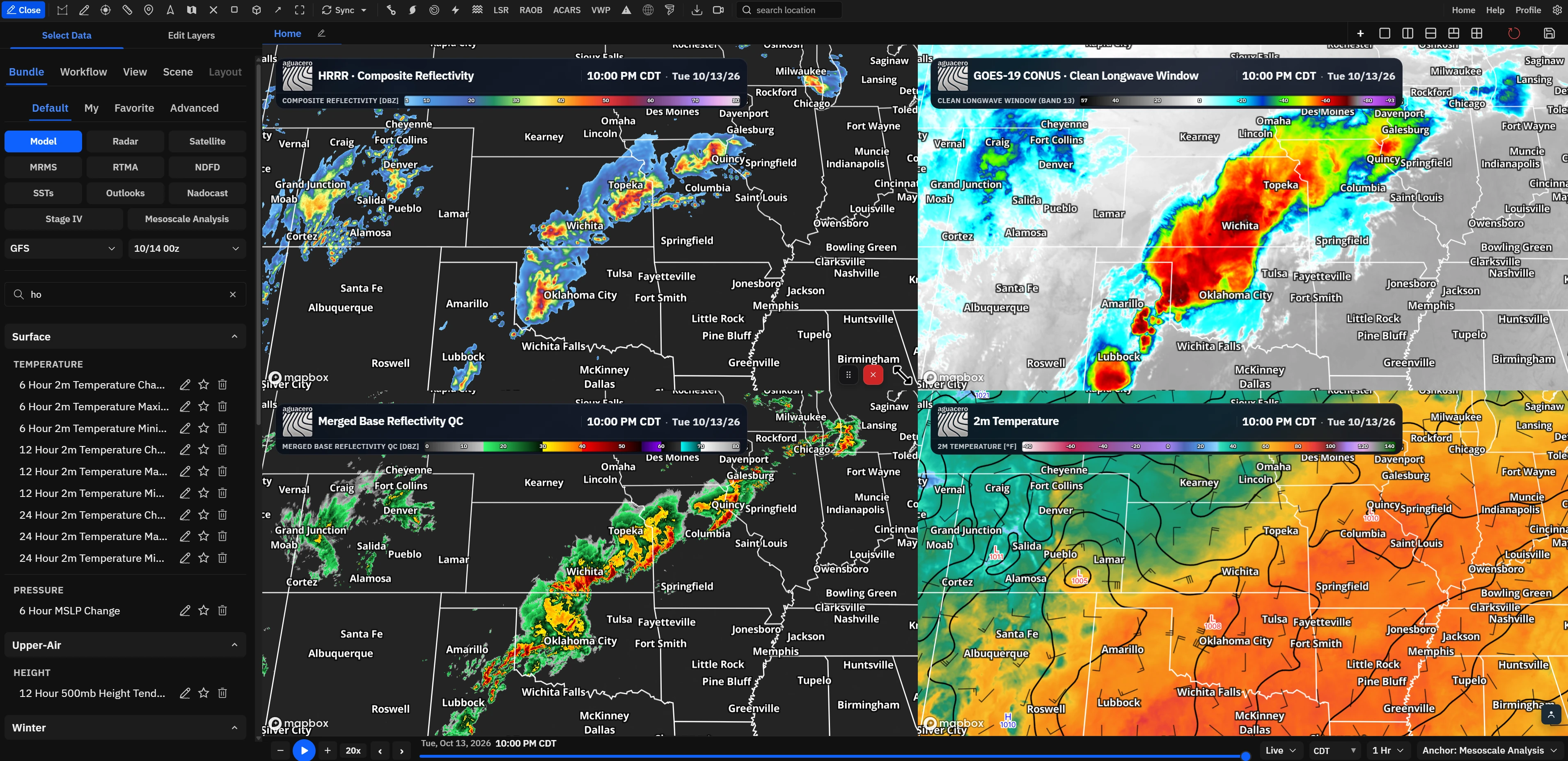
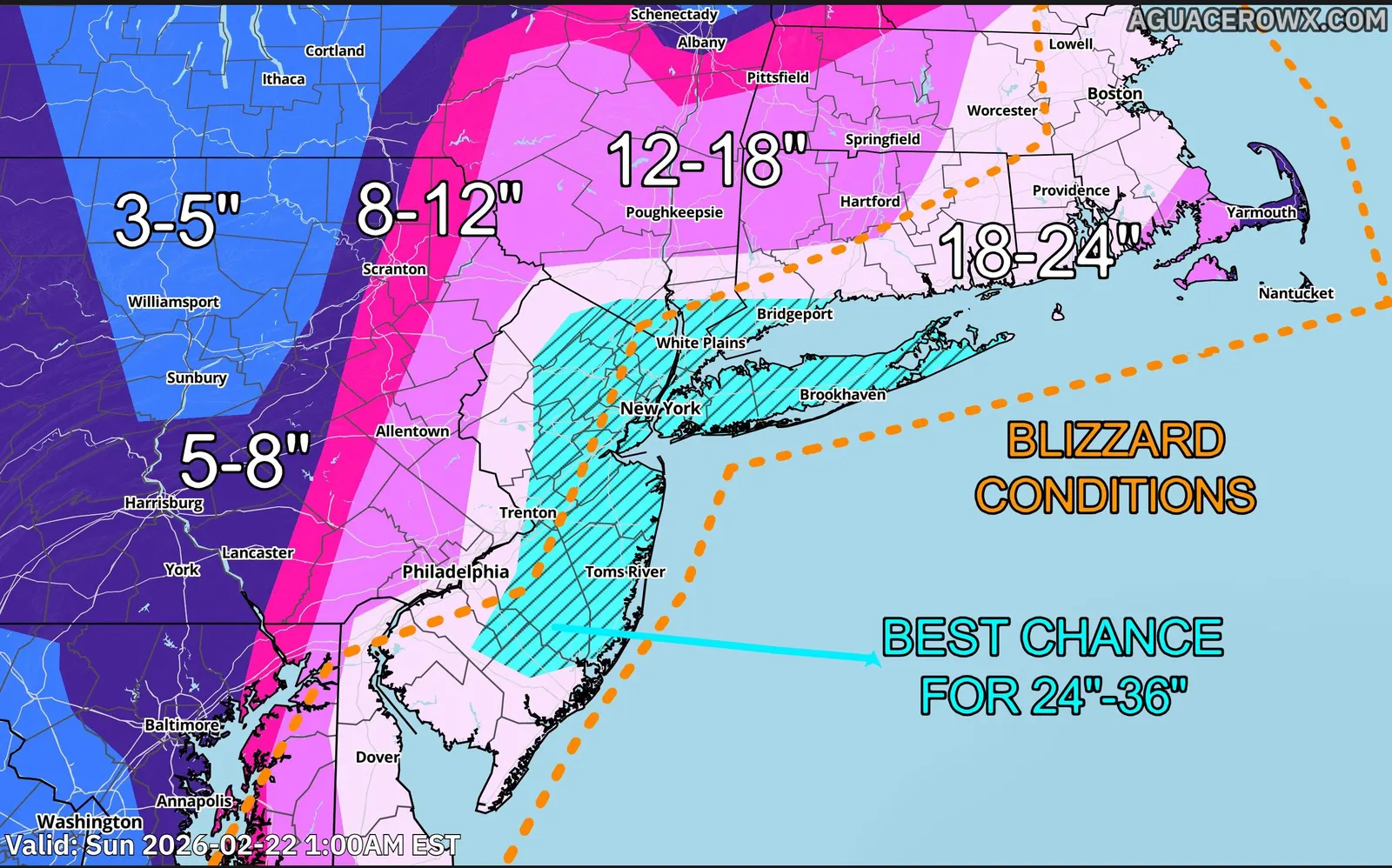
Models, radar, satellite, observations and NOAA products share one map, one timeline and one set of tools.
Global, regional, convection-allowing, ensemble, hurricane, marine, air-quality and AI guidance, with new runs as they land.
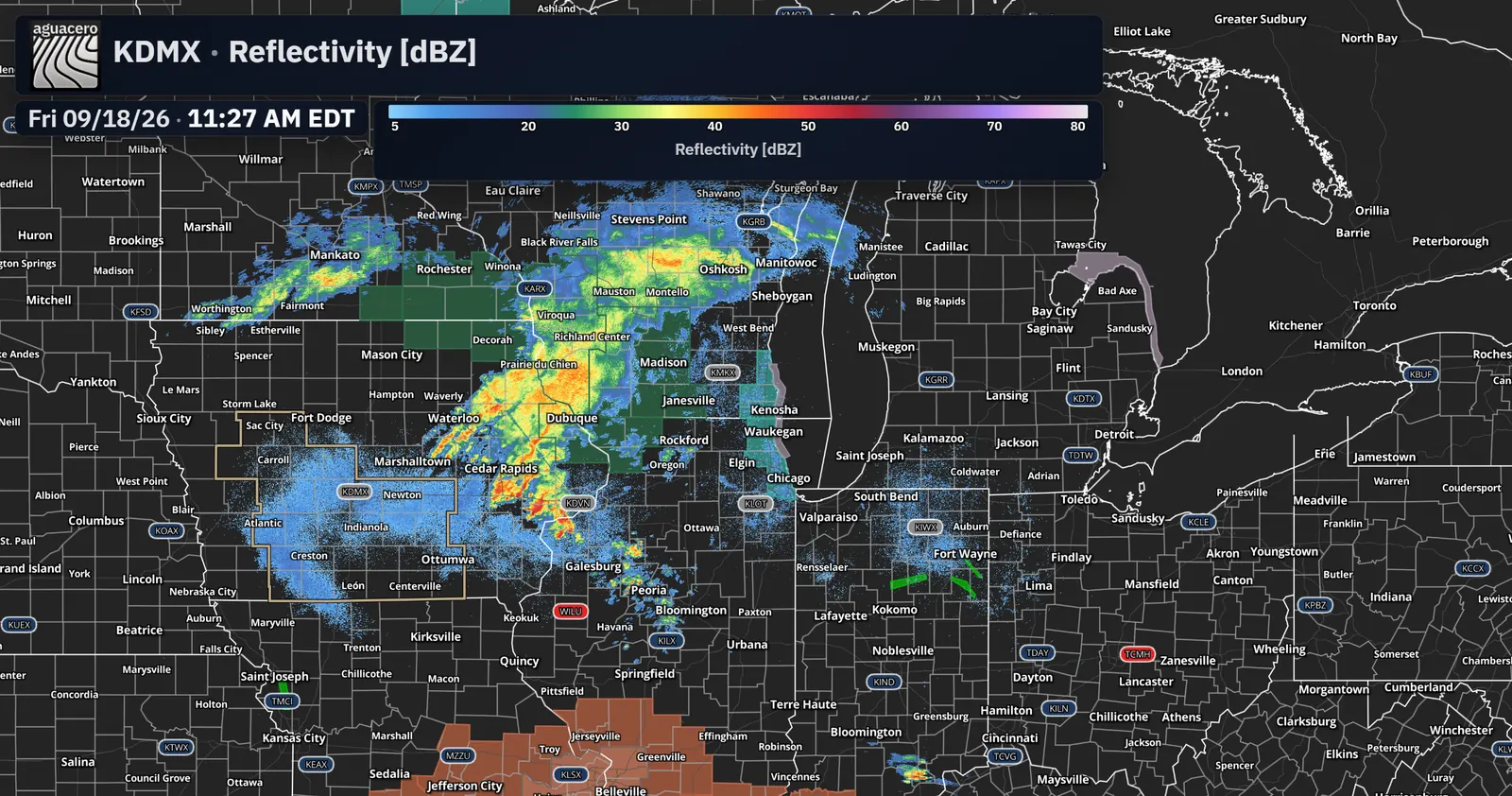
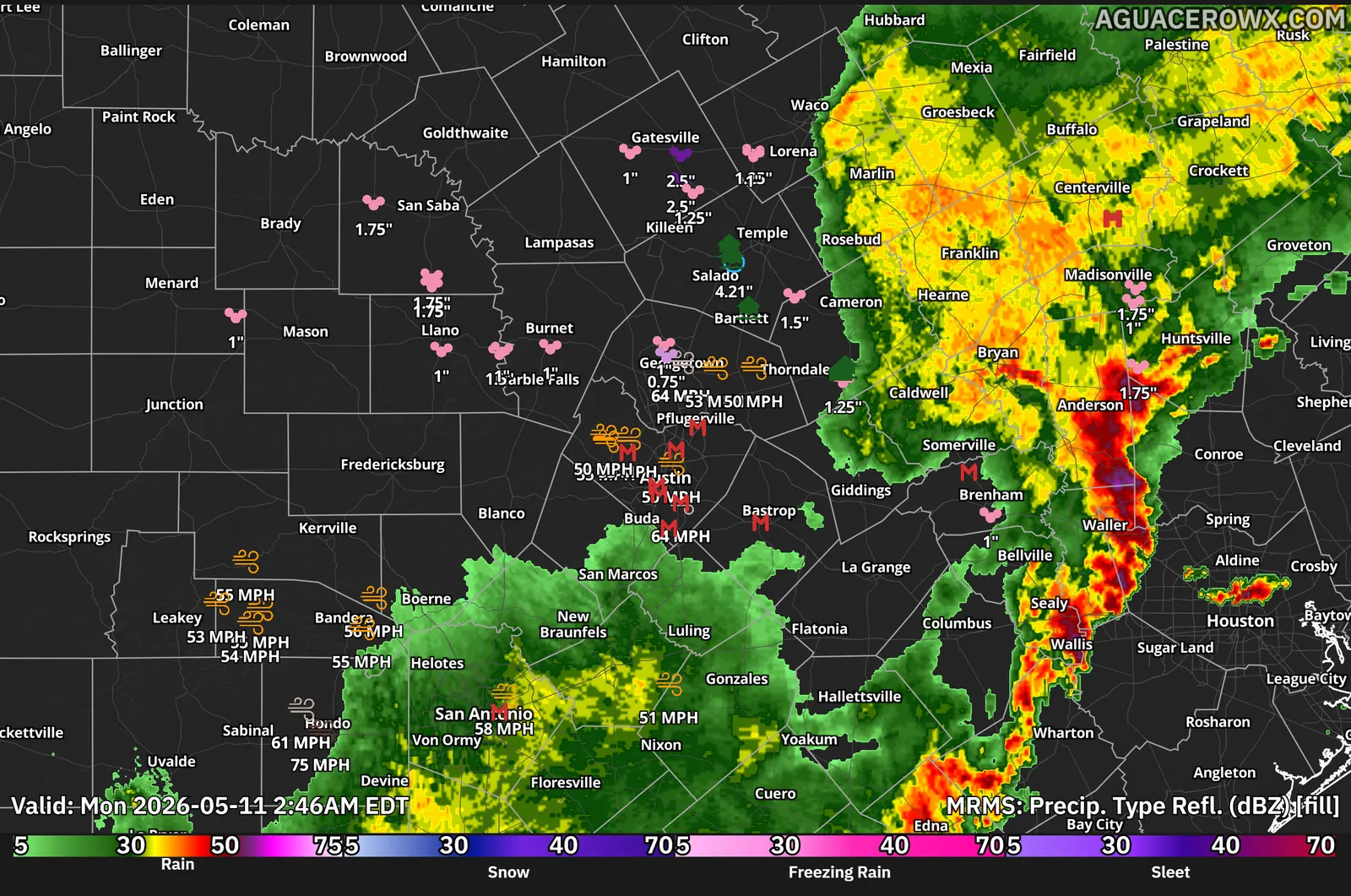
Level II and III with dual-pol, every MRMS mosaic, multiple sites at once and radar from Europe, Canada, Mexico and overseas France.
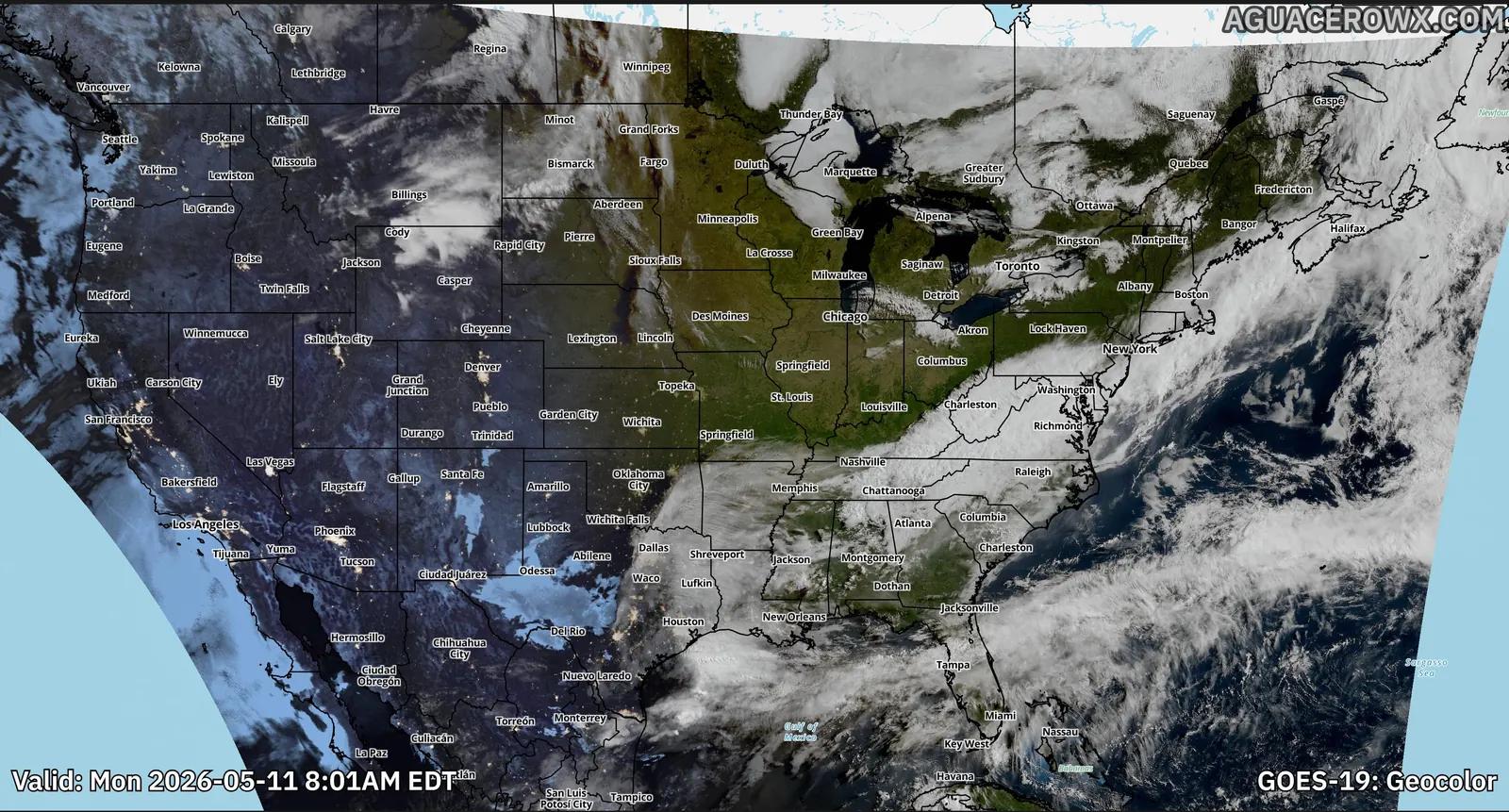
GOES-East and West, Himawari-9 and Meteosat, with GeoColor and the full RGB library.
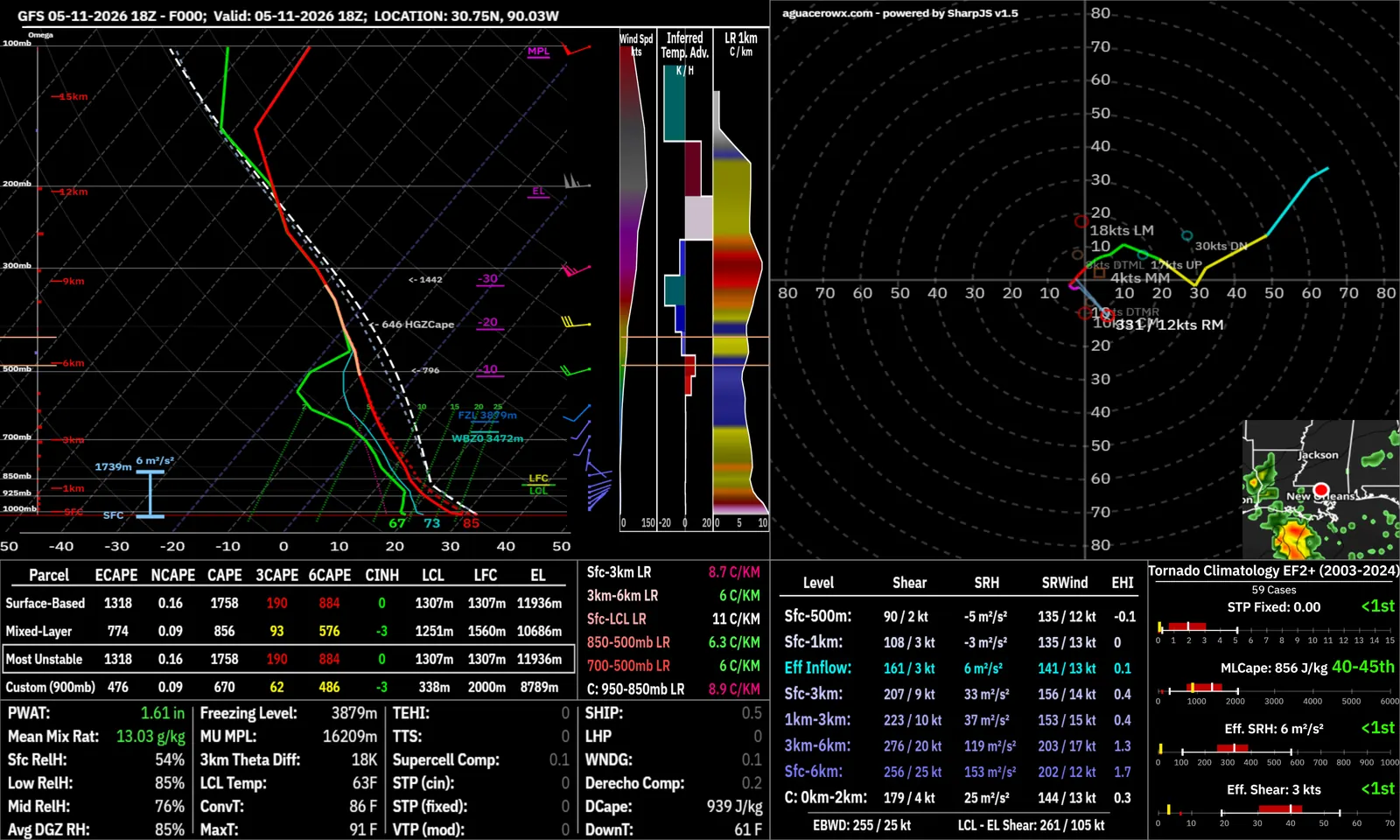
Model, RAOB and ACARS Skew-Ts with hodographs and severe parameters.
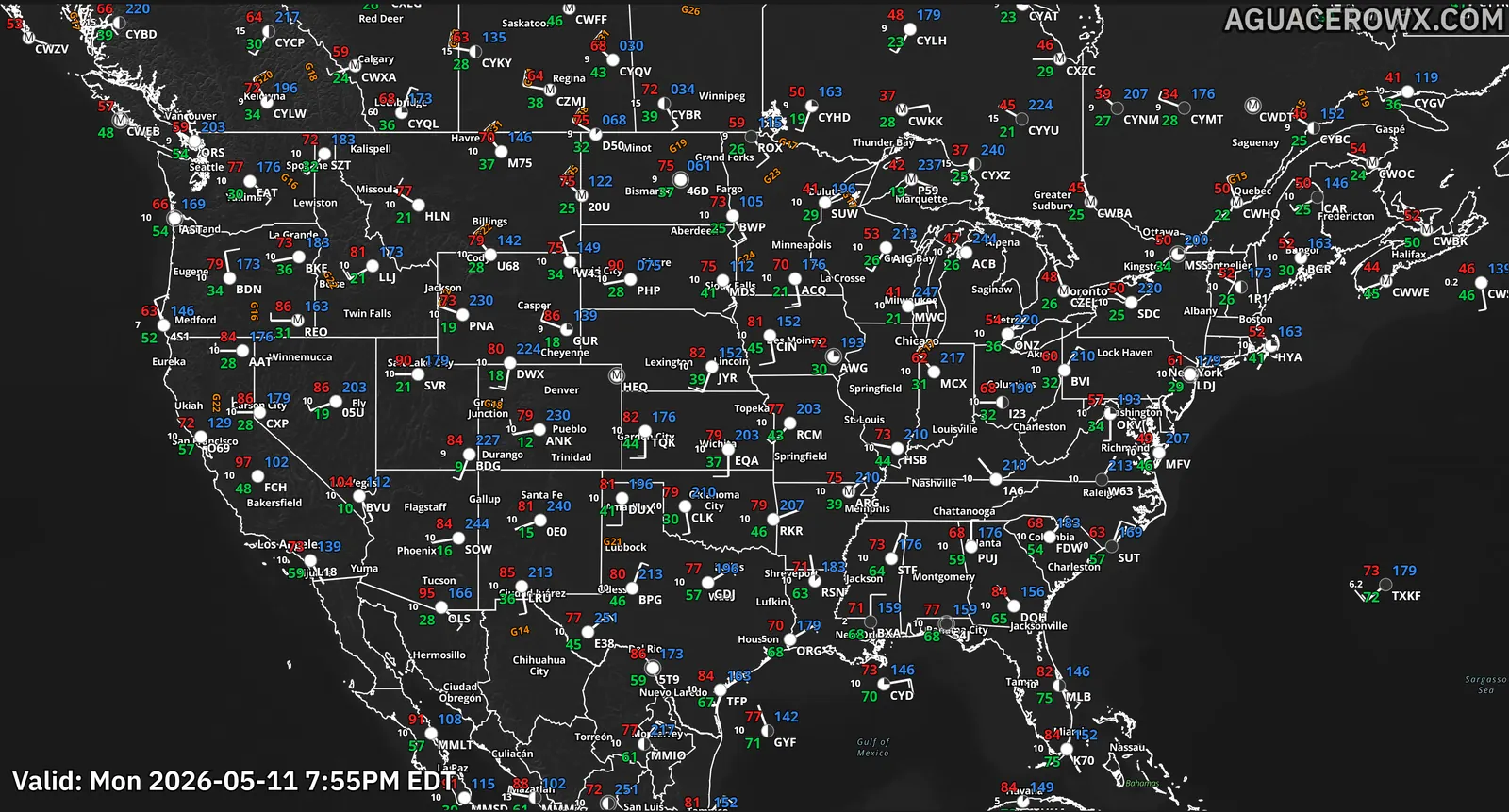
ASOS, RAOB, ACARS, local storm reports, lightning and stream gauges on the same map.
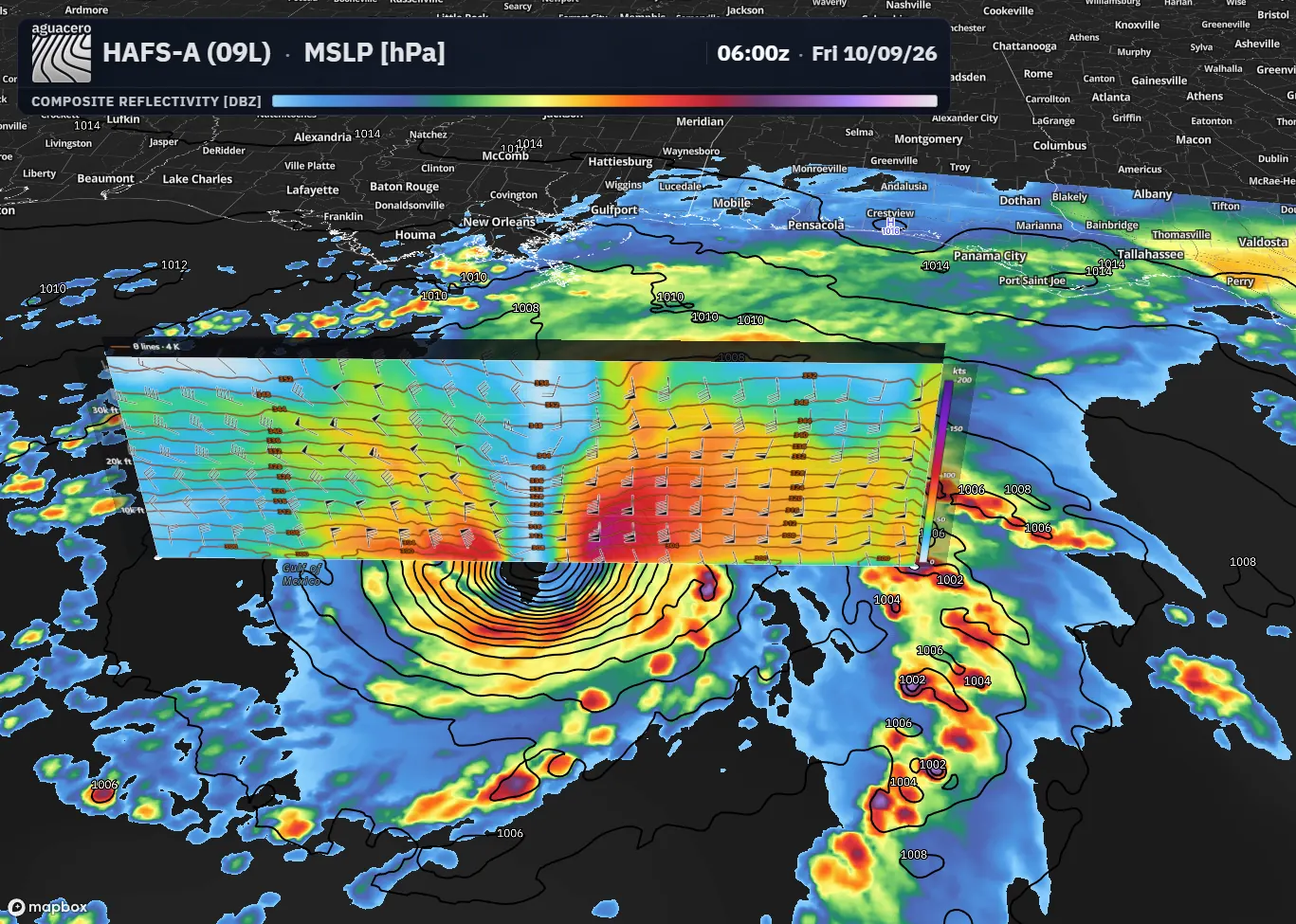
NWS alerts, SPC, WPC, CPC and NHC products, recon and hurricane models.
Every toolbar tool, data source, analysis view and broadcast feature, on one page you can search.
Inside the workstation
A quick look at six parts of the app.
01 / Compare
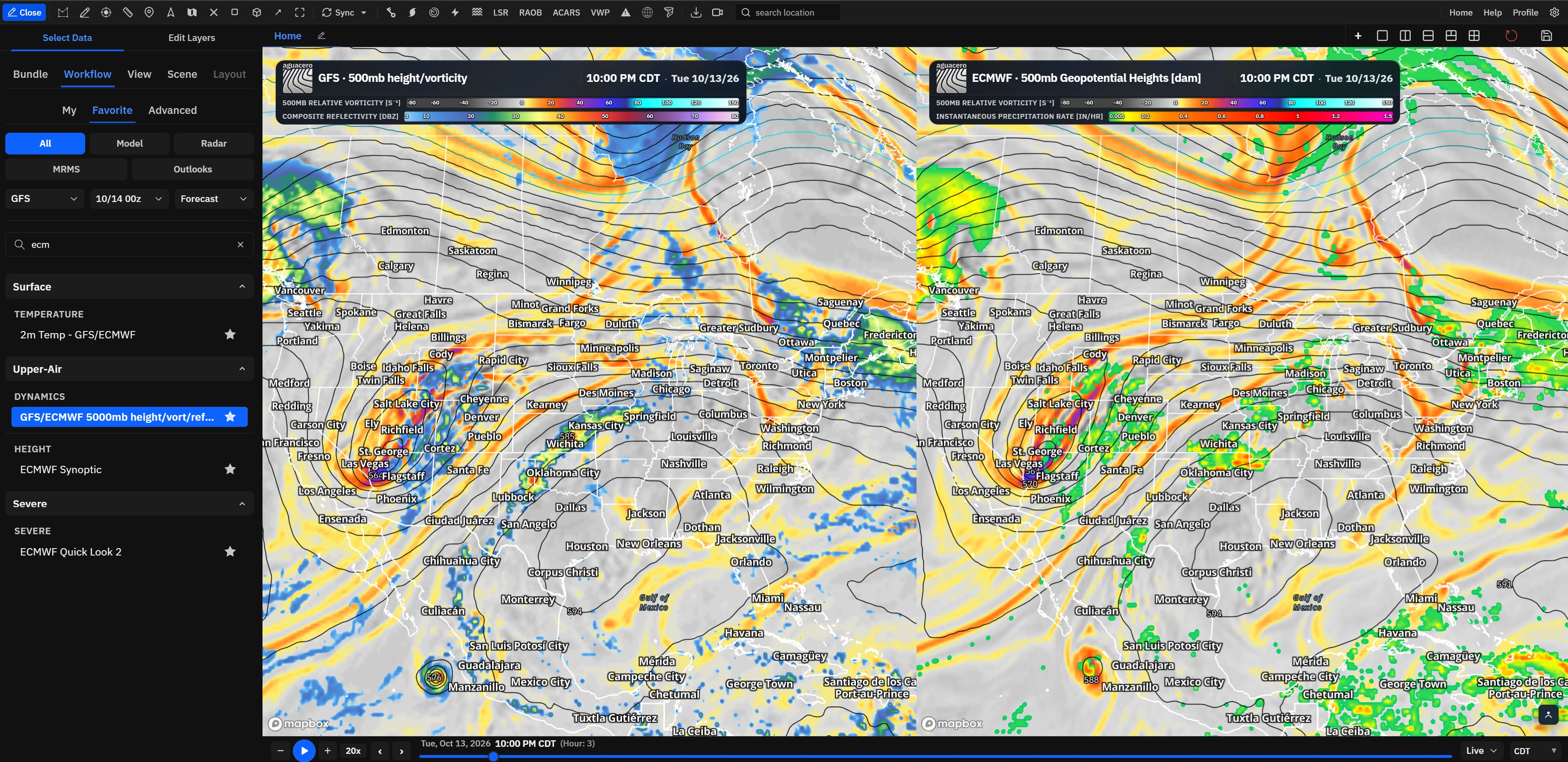
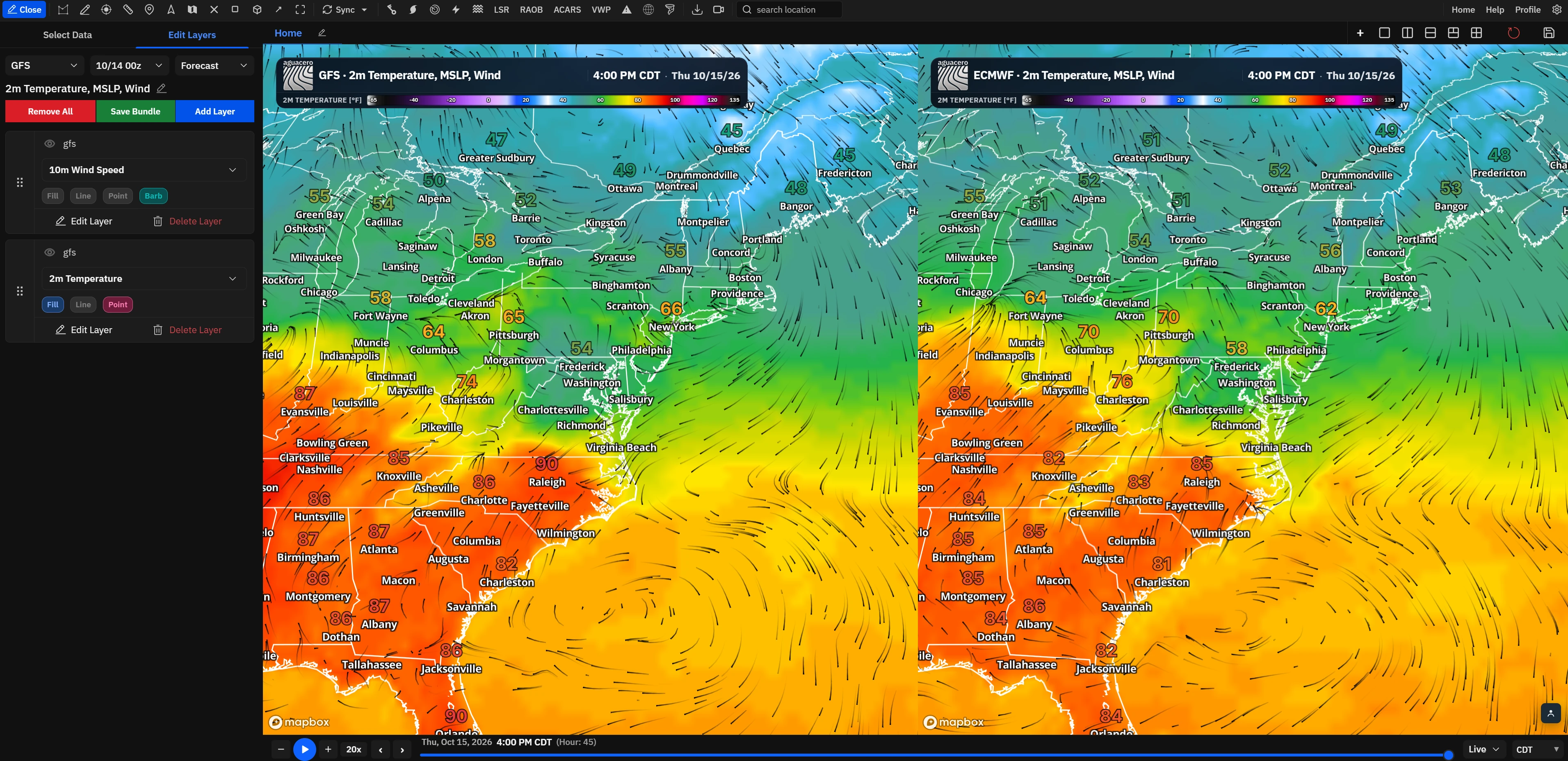
Split the map into synced panels, line up runs side by side and save the whole layout as a workflow you reopen in one click.
02 / Radar
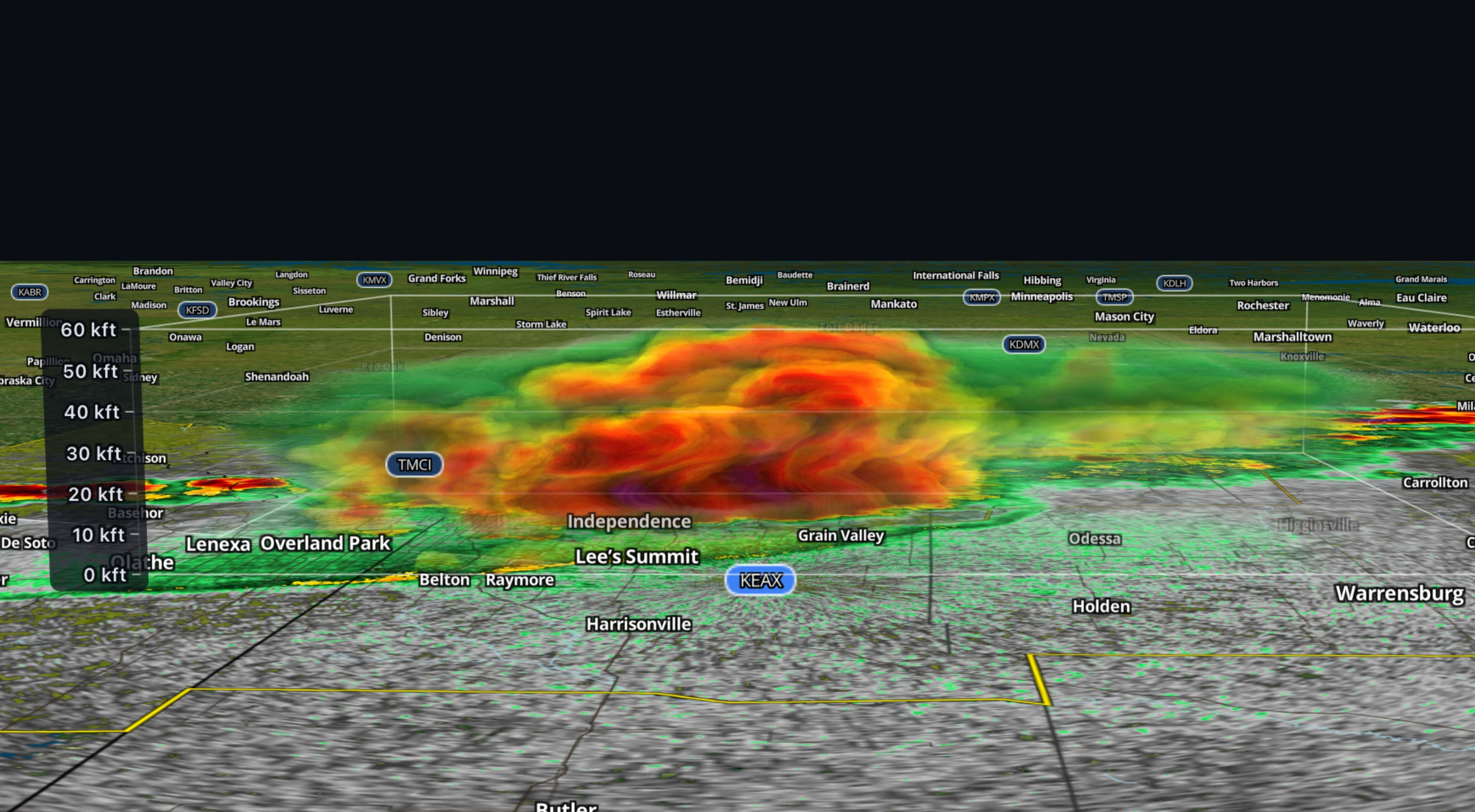
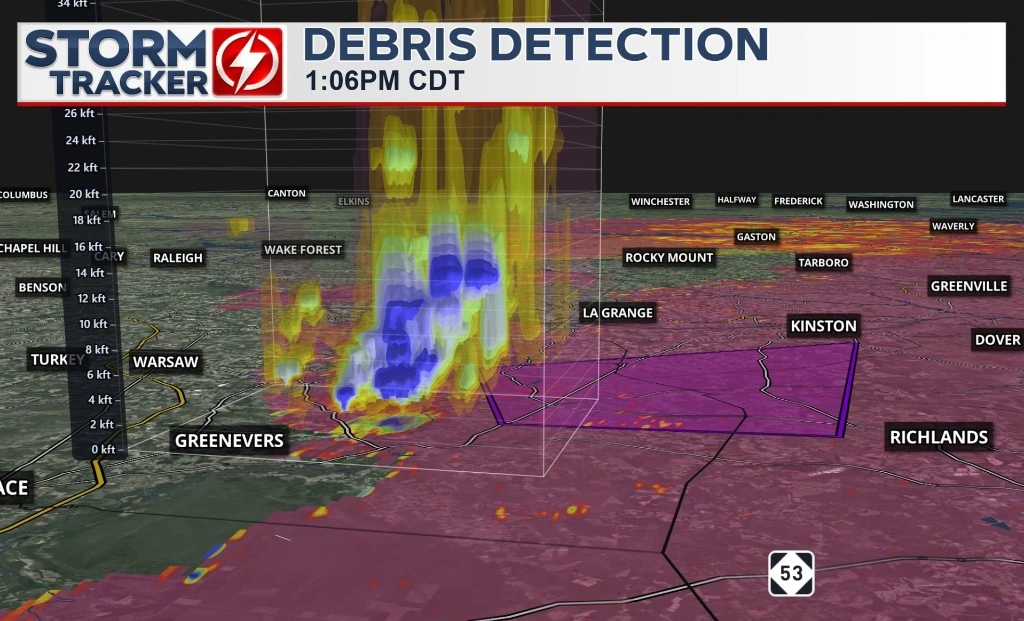
Read storms the way you want: dual-pol Level II and III, several sites at once, 3D volumes and cross sections through any cell.
03 / Profiles
Click for a sounding, drag for an area average, or draw a line for a cross section. Meteograms and time-height plots show how it all changes.
04 / Customize
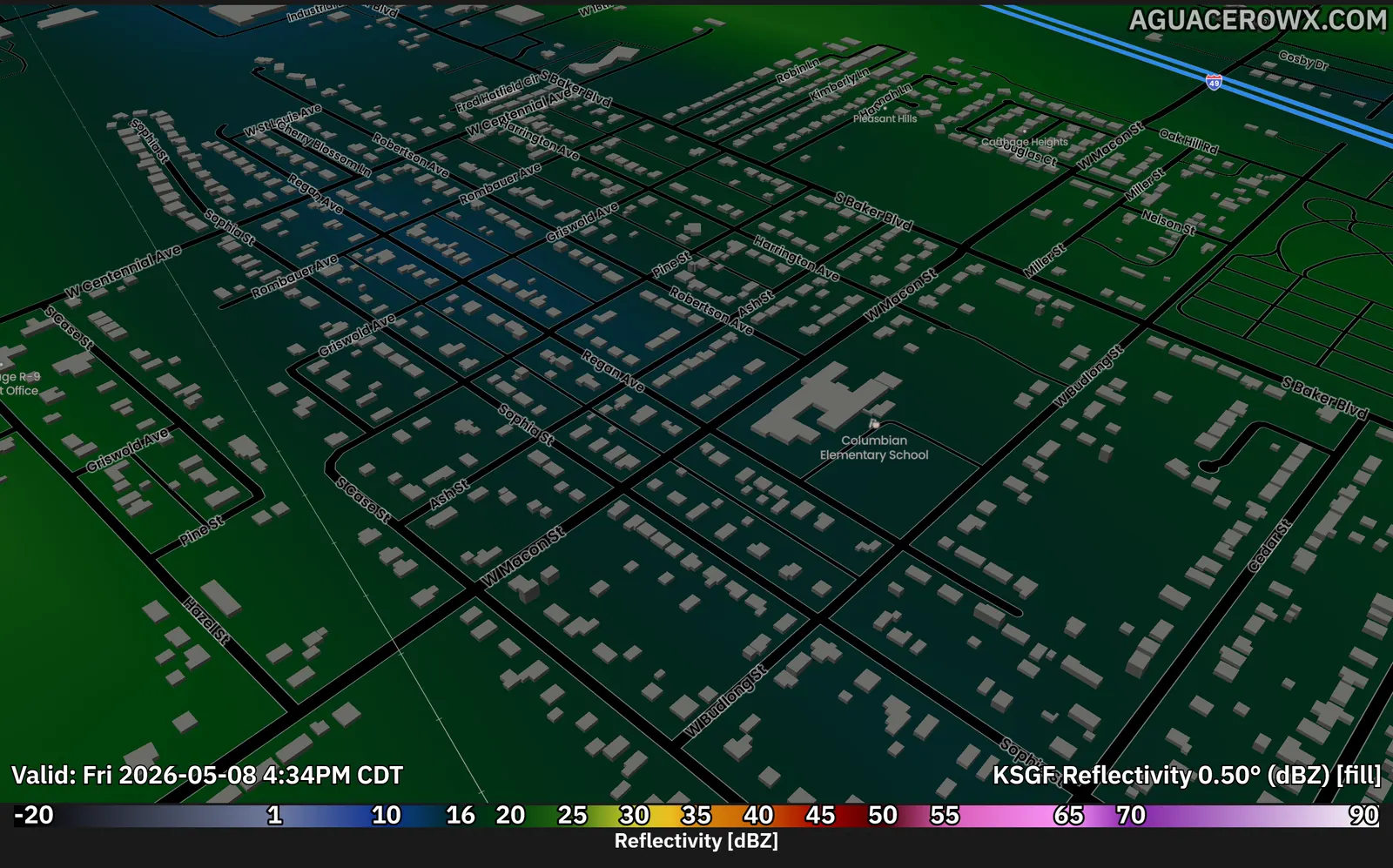
Build your own color tables and value ranges, bring your own Mapbox style, and load shapefiles, GeoJSON and placefiles alongside the data.
05 / Archive
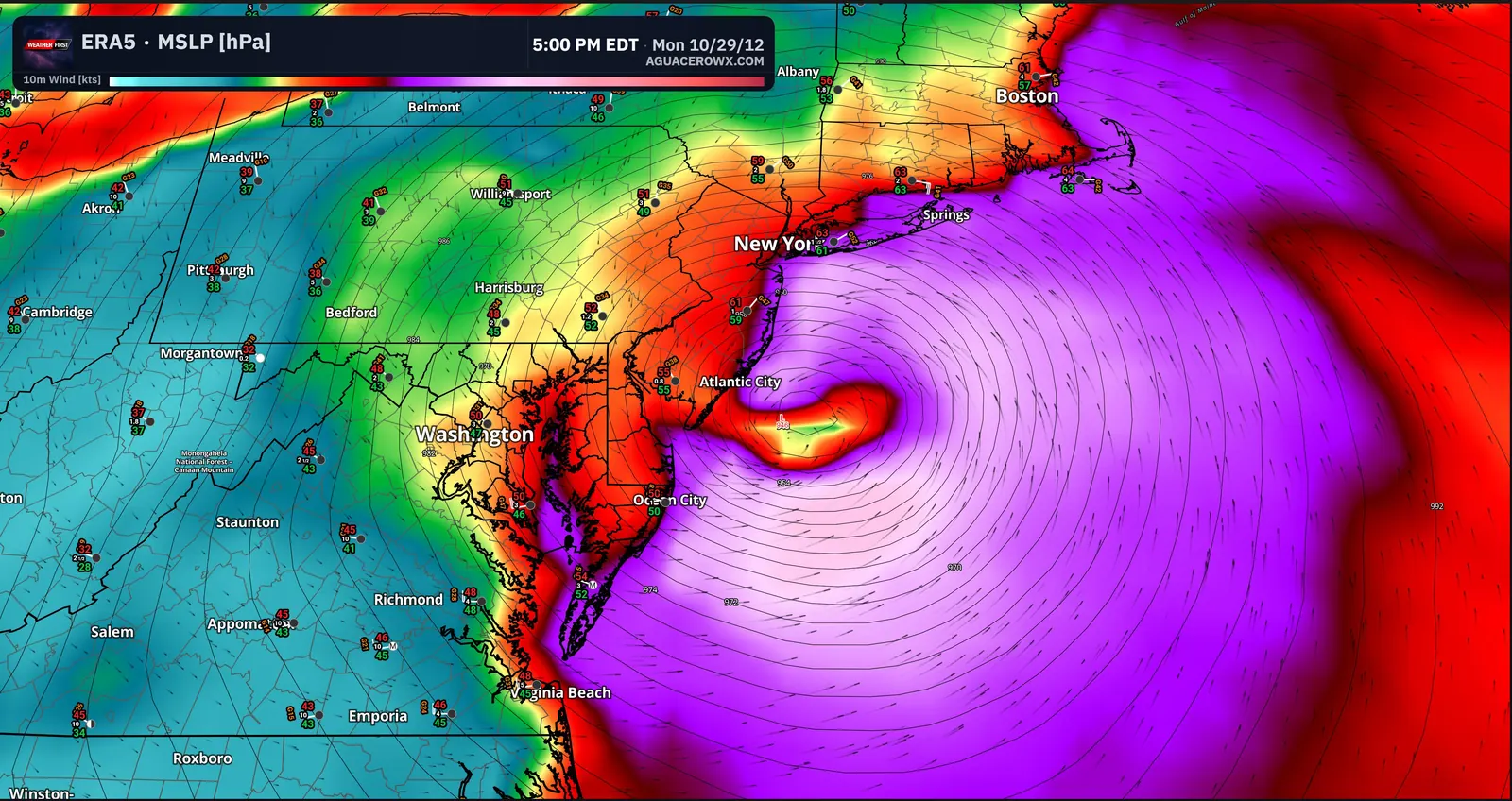
Replay past radar and MRMS, step through ERA5 back to 1940 and 20CR back to 1836, and save events to revisit.
06 / Broadcast
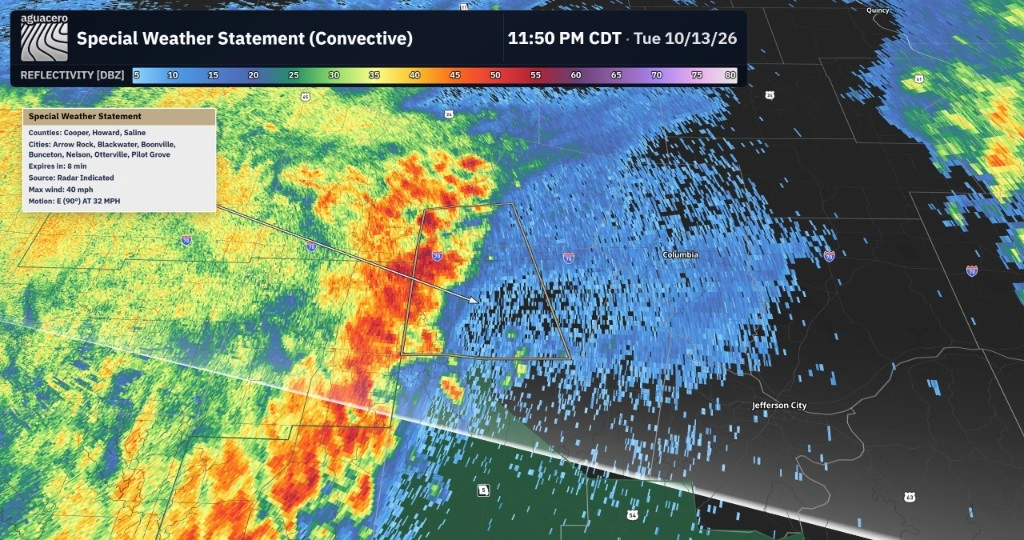
Broadcast mode turns the workspace into graphics: your headers and logos, alert headers and sounds, an alerts ticker, scenes and tours, and drawn forecasts.
Who it's for
One app that scales from a free account to a station-wide license.
Every model and radar product, multi-panel workflows and pro analysis in one fast workspace.
See ProfessionalCreatorOn-air graphics from the same data you analyze: headers, alert headers, ticker, scenes and tours.
See CreatorProfessionalLive radar, placefiles and mesoanalysis, plus GPS location on the desktop app.
See plansUniversityReanalysis back to 1836, cross sections and soundings, with site licenses for departments.
See UniversityCommercialSeats for the whole desk, no watermark on air, APIs and your own data on the map.
AguaceroWx for teamsFrom our users
What people say after moving their daily workflow to AguaceroWx.
AguaceroWx provides everything I've long wanted in a weather platform. It brings historical, real-time, and forecast weather data together in a single interface with customizable visualization capabilities. Whether I'm creating forecast graphics or delivering interactive weather briefings and presentations, it's become an invaluable part of my workflow.

I've lost count of the number of weather data and modeling tools that we've tried over the years, in an effort to streamline tasks for our meteorologists. AguaceroWx is the best by far, pulling nearly every imaginable piece of observational and model data together in one place.

AguaceroWx brings the full power of weather forecasting right to the browser... The customizations are a crucial aid to my daily work as a broadcast meteorologist.

AguaceroWx has helped me make my coverage more engaging and easier for viewers to understand. It’s easy to use, allowing me to focus less on operating the software and more on explaining the weather that matters to my audience.

AguaceroWX offers a fresh, modern, and reliable forecasting tool for students here at Mizzou. Its customization lets me build exactly the map I need in seconds.

AguaceroWx has been a fantastic addition to my forecasting and content workflow. The graphics, the variety of data, and the customization let me present weather that's professional and easy for my followers to understand.

The impact of AguaceroWX can be seen every day in the Mizzou Weather Lab... By the time they graduate, many of our students already have experience with technology that they will encounter in their first jobs.
Customization on this level is not found anywhere else... Whether you are a meteorologist or enthusiast, I highly recommend AguaceroWx.

Being able to have radar, satellite, easy-to-access model data, and more in one place has made a great difference in fine-tuning my prediction techniques.
Aguacero stands out to me for its unparalleled customization, giving you the freedom to tailor nearly every aspect of the platform to your needs. Combined with its vast datasets and extensive historical archives, it offers virtually limitless possibilities for meteorological analysis.

They read the minds of everyone who wants to see a modern tool that not only displays unique variables only accessible on Aguacero, but is also easy to use and user customizable!

Aguacero brings you customizability unseen by the rest of the industry. With an amazing dev team that actually takes feedback from the community.

Aguacero has unseen customization tools that allow for efficient forecasting. It has replaced every other website for my forecasting needs

AguaceroWX's customizable features will revolutionize the way numerical weather models are visualized...

Runs where you work
Nothing to install to get started. The desktop apps add a dedicated window and GPS location for chasing, and they update themselves.
Pricing
Every paid plan starts with a 7-day free trial for new subscribers. Cancel anytime.
Getting started
No card required
Open the appWeather enthusiasts
$79.99 billed yearly · save about 17%$6.67/mo, billed yearly
Start 7-day free trialEverything in Free, plus:
Most popular
Professional meteorologists
$159.99 billed yearly · save about 17%$13.33/mo, billed yearly
Start 7-day free trialEverything in Enthusiast, plus:
Streamers and on-air creators
$299.99 billed yearly · save about 17%$25.00/mo, billed yearly
Start 7-day free trialEverything in Professional, plus:
Stations, companies and organizations
Everything in Creator for your whole team, without the AguaceroWx watermark, plus API access, your own data and custom work.
Meteorology departments
Discounted from Commercial.
For teams and business
Commercial licenses give stations and companies seats for everyone, watermark-free on-air graphics, a shared library, API access and your own data in AguaceroWx.
For developers
Four APIs. Weather, Image and Visualization start with a free monthly tier.
Alerts, outlooks, observations, soundings, meteograms and model grids as data.
Read the docs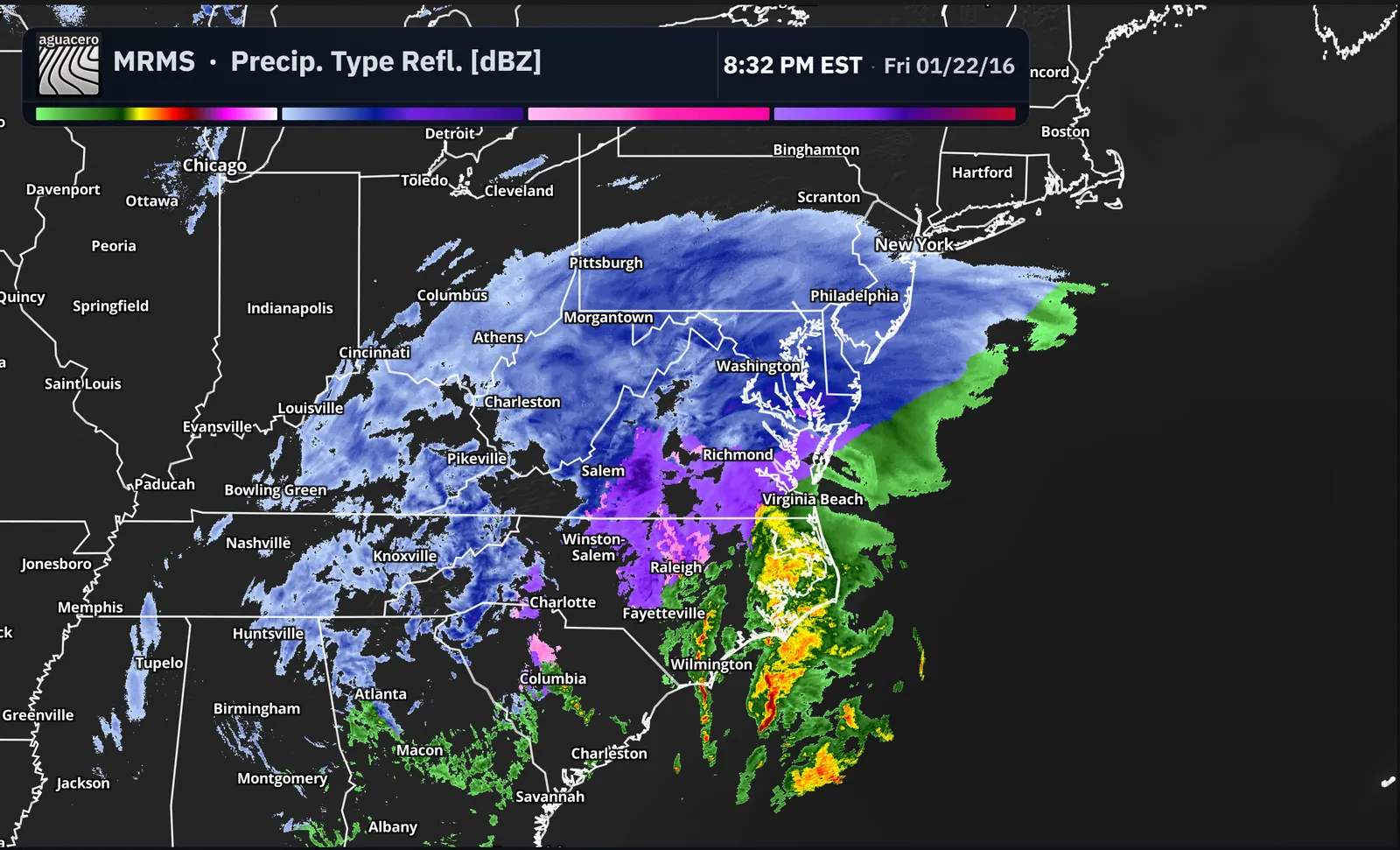
Stills and loops of any saved bundle, rendered by AguaceroWx.
Read the docs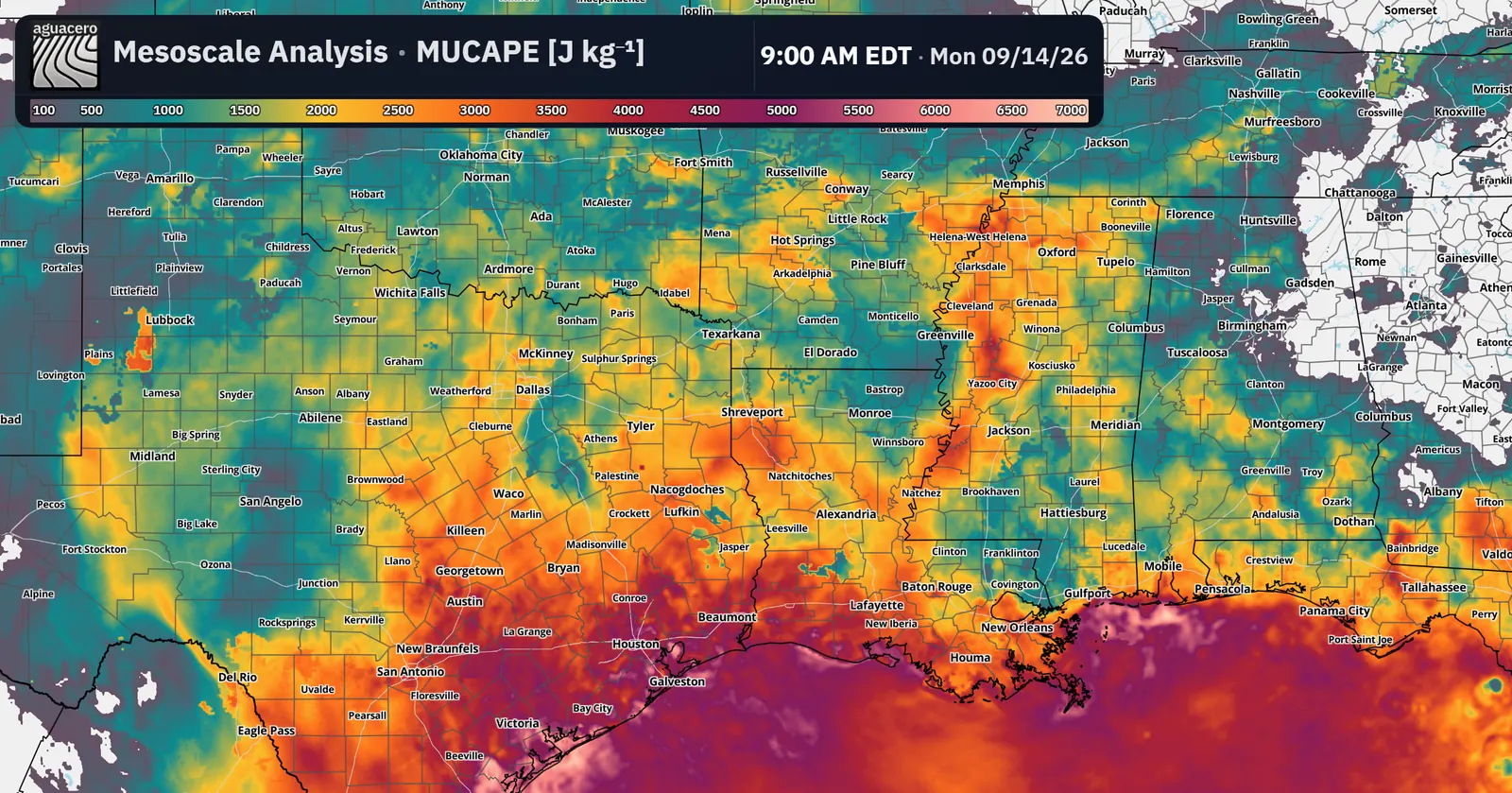
Our model, radar and satellite layers in your own Mapbox or MapLibre map.
Read the docs
Weather layers for television graphics systems.
Read the docsFAQ
AguaceroWx is a weather visualization workstation. It puts numerical models, NEXRAD and MRMS radar, satellite, soundings, observations and NOAA products on one customizable map, in your browser or in the desktop app.
Yes. The Free plan includes 31 models such as HRRR, GFS, ECMWF and NAM, NOAA products and short radar and satellite loops, with no card required. Paid plans start at $7.99 a month with a 7-day free trial.
No. AguaceroWx runs in any modern browser. Desktop apps for Windows, macOS and Linux are available if you prefer one.
Yes. The Creator plan adds broadcast mode, custom headers, alert headers, scenes and tours for streamers and creators. Stations and organizations use Commercial, which removes the AguaceroWx watermark.
Yes. The Weather, Image and Visualization APIs each have a free monthly tier and paid plans from $29.99. The Broadcast API for TV graphics is quoted per customer.
Open AguaceroWx in your browser. The Free plan needs no card.